

 4.96/5
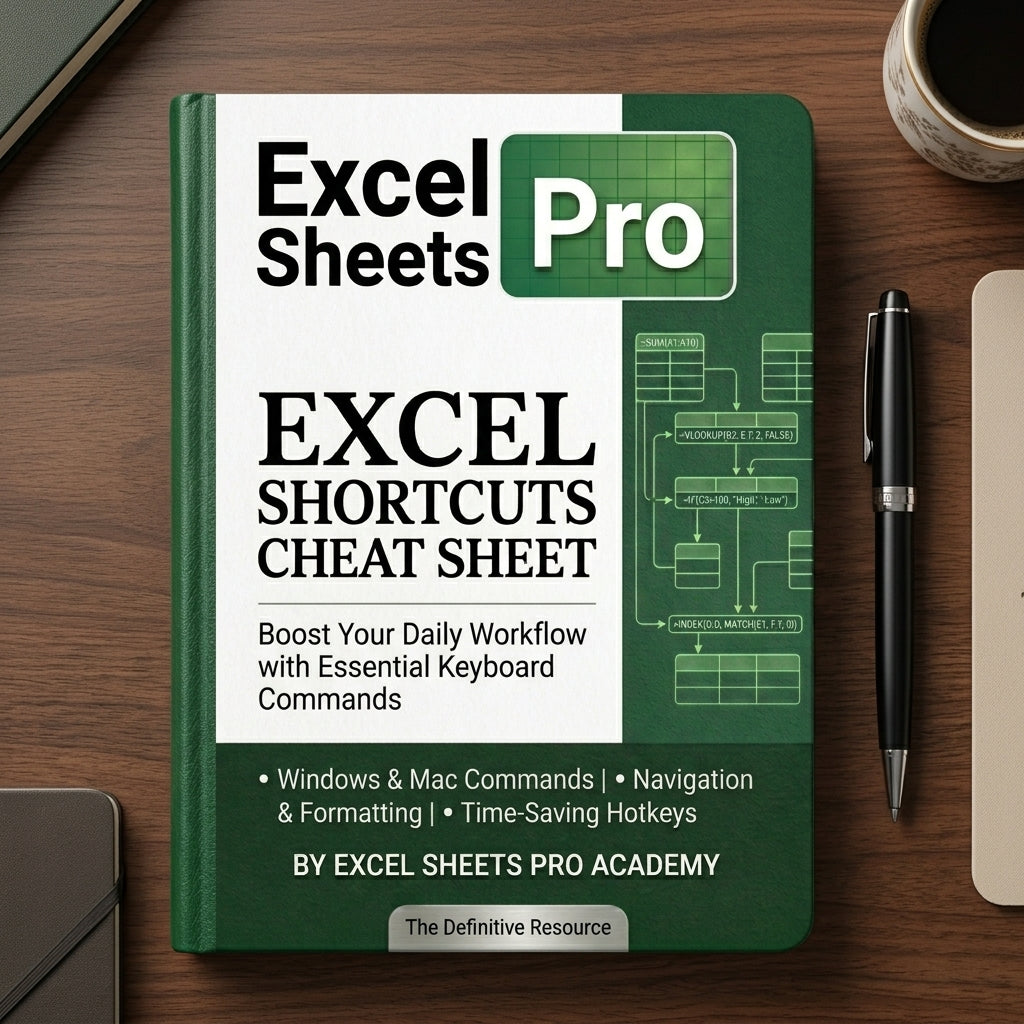
Excel Shortcuts Cheat Sheet — Windows + Mac (25 pages)
Excel Shortcuts Cheat Sheet — Windows + Mac (25 pages)
- ⌨️200+ Excel keyboard shortcuts
- 💻Windows + Mac side-by-side
- ⚡Instant download — printable PDF
- 🛡️7-day money-back guarantee
Couldn't load pickup availability
Description
The definitive Excel keyboard shortcuts cheat sheet — 25 pages, 200+ commands, Windows + Mac side-by-side.
Stop reaching for the mouse. Print it, pin it, or keep it open on a second screen — work in Excel at the speed of the people who built it.
What's inside
- Navigation — Move between cells, sheets, ranges, workbooks instantly
- Selection — Highlight rows, columns, blocks, entire sheets
- Editing — Cut, copy, paste, fill, undo, redo, find & replace
- Formatting — Bold, italic, borders, currency, percent, date formats
- Formulas — F2 edit, F4 absolute, F9 recalc, autosum, name manager
- Workbook — New, save, switch, print, close — all from the keyboard
- Data — Filters, sort, group, freeze panes, pivot refresh
- Charts & PivotTables — F11 instant chart, slicers, refresh
Who it's for
- Accountants, bookkeepers, analysts who live in Excel
- Office workers who want to stop wasting time on mouse clicks
- Mac users tired of cheat sheets that only show Windows shortcuts
- Anyone who's serious about getting faster in Excel
Format & delivery
- 📄 25-page printable PDF — letter/A4 ready
- 💻 Windows + Mac commands shown together on every page
- 📱 Mobile-friendly — read on phone, tablet, laptop
- ⚡ Instant download after purchase
- 🛡️ 7-day money-back guarantee
- 🔁 Free updates for life
Work in Excel 2× faster.
Every shortcut in one printable PDF.
Stop reaching for the mouse. The keyboard commands the pros use every day — Windows + Mac, organized by category, ready to print or pin.
It's not a tutorial. It's a reflex builder.
YouTube tutorials teach you a feature once. This cheat sheet trains your hands to use it without thinking.
Watch once, forget twice
- 15-minute video for one shortcut
- Have to pause and rewind every time
- No way to look things up while you work
- Forgotten by the next day
One glance, muscle memory
- 200+ shortcuts in a single printable PDF
- Organized by category — find any one in seconds
- Print it, pin it, or keep it open while you work
- Windows + Mac side-by-side on every page
Every shortcut, organized by what you're doing
8 categories so you never have to scan a wall of keys to find the one you need.
Navigation
Jump cells, sheets, ranges. Ctrl+arrows, Home/End, Page Up/Down.
Selection
Highlight rows, columns, blocks. Shift+arrows, Ctrl+A, Ctrl+Shift+End.
Editing
Cut, copy, paste, fill, undo, redo, find & replace.
Formatting
Bold, italic, borders, currency, percent, dates — at full speed.
Formulas
F2 to edit, F4 absolute refs, F9 recalc, autosum, name manager.
Workbook
New, save, switch files, print, close. The Ctrl-key essentials.
Data
Filters, sort, group, freeze panes, pivot table refresh.
Charts & PivotTables
F11 instant chart, Alt+F1, refresh, slicer toggles.
What Excel users say
★★★★★ · Verified buyers
"Printed it on day one and taped it next to my monitor. By Friday I was navigating workbooks without touching the mouse. Real productivity boost."
"Bought this for my whole accounting team. The Mac column was the deal-maker — most cheat sheets are Windows-only. Saved us hours every week."
"Wish I'd had this in college. Clear, well-organized, and worth way more than the price. The formatting and formula sections alone changed how I work."
Frequently asked questions
Does this cover Windows AND Mac shortcuts?
Is this printable, or just for screen?
How is this different from your Excel Formulas Guide?
Will the shortcuts work in Google Sheets?
Do I need any prior Excel experience?
Will I get future updates?
What's your refund policy?
What you get the second you check out
- 25-page printable PDF — every shortcut, ready to print
- 200+ shortcuts across 8 organized categories
- Windows + Mac commands side-by-side on every page
- Beginner → Advanced — start with essentials, graduate to power-user
- Print or screen — pin it, tape it, or open on a second monitor
- Instant download — emailed to you within seconds
- Lifetime access — yours forever, plus free updates
- 7-day refund — no questions, no hoops
